Canadian Tax
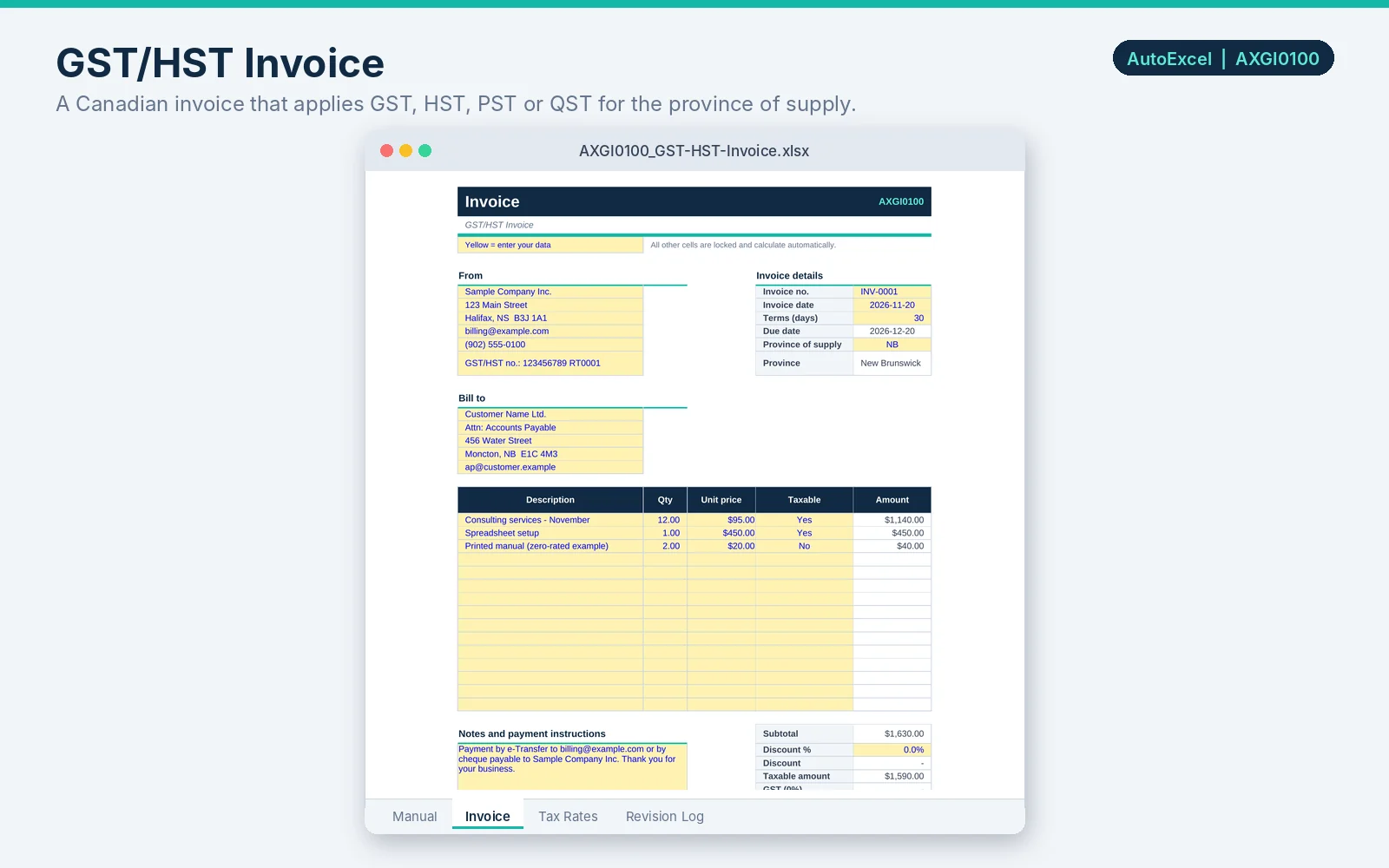
GST/HST Invoice
A Canadian invoice that applies GST, HST, PST or QST for the province of supply.
Excel or Google Sheets
Holiday shopping? The Christmas Budget & Gift Tracker is $15. See it
The workbook
Screenshots and demo use sample data from the delivered workbook.
Know what every job actually costs, before it eats your margin.
You quoted the job. Do you know if you made money on it?
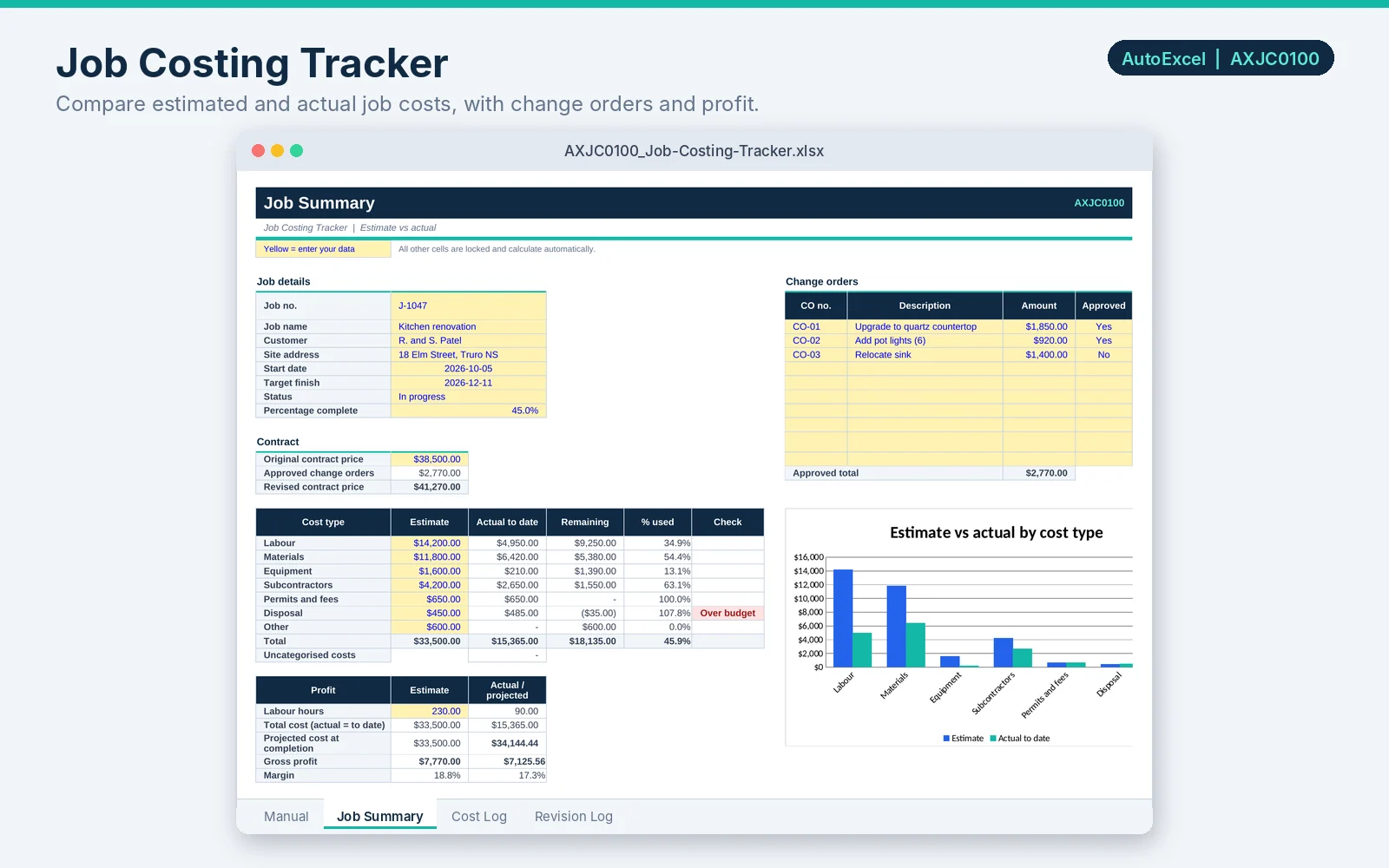
This tracker compares estimate against actual by cost type, flags over-budget lines and shows projected cost and margin.
$25 CAD, one-time. Excel or Google Sheets. Instant download.
Protect your margin on every job. Enter the contract, change orders and your estimate, then log costs as the work happens; cost types over budget are flagged and the projected final cost, profit and margin update automatically.
$25.00
Canadian dollars. One-time purchase, instant download. Available for Excel or Google Sheets.
Need it tailored to how you work? Tell us what you're trying to automate.
Buying several templates? Add them to your cart and pay once. See the purchase and download terms.
For many contractors and project-based businesses, the real cost of a job lives in receipts, timesheets, supplier invoices and memory. You find out how a job went at month-end or at tax time, when it is too late to change anything. Then you price the next job with a guess, and guesses tend to be low.
This tracker keeps every cost next to your estimate, so you see problems while you can still act.
Tested and documented: every template includes a built-in user manual and works without macros in Excel or Google Sheets.
Probably not for you if: you need full accounting, payroll or invoicing in the same tool. This is a job costing tool that sits alongside your accounting software.
No. It is designed for non-technical business owners and the user manual is built into the file. There are no macros to enable.
Record it as a change order. The tracker includes change orders and updates projected cost and margin.
The tracker flags over-budget lines, so you see them as you enter costs. It compares estimate against actual by cost type.
$25 CAD, one-time, no subscription. You get an instant download plus an emailed link, in Excel (2016+, Windows/Mac) or Google Sheets, with the same features. Works as described, or we fix, replace or refund it within 14 days. Not tested in Apple Numbers.
Canadian Tax
A Canadian invoice that applies GST, HST, PST or QST for the province of supply.
Excel or Google Sheets
Financial Tools
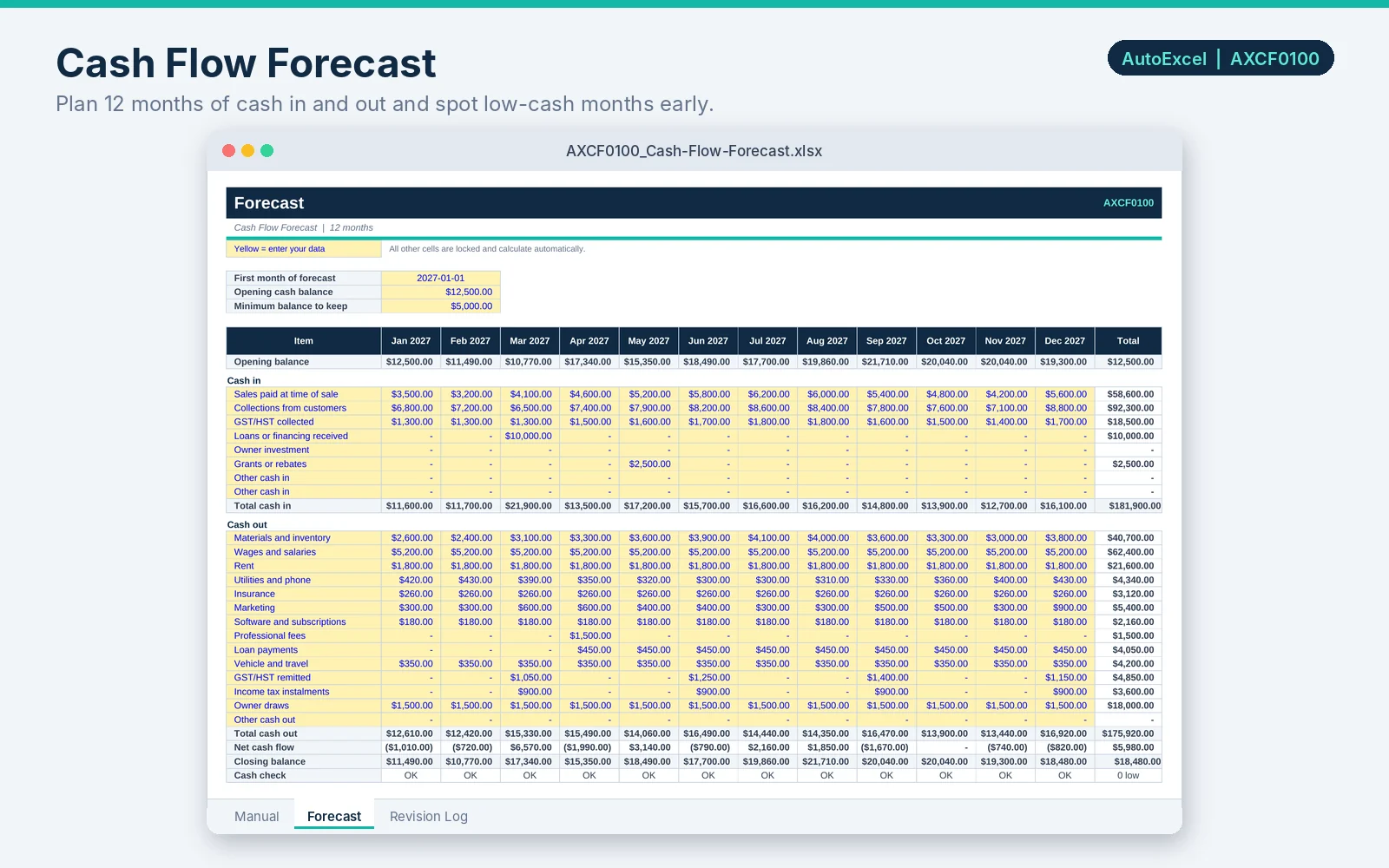
Plan 12 months of cash in and out and spot low-cash months early.
Excel or Google Sheets