Skip to content

Holiday shopping? The Christmas Budget & Gift Tracker is $15. See it

AutoExcel

Portfolio / Solutions

See What We Can Build

These demonstration projects show the types of solutions AutoExcel develops.

Disclaimer: The projects below are illustrative examples created with sample data. They are not completed client work, and none of the figures represent real results.

Demonstration project

Automated Invoice Generator

A solution that converts structured business data into professionally formatted invoices.

Problem

Invoices are typed by hand from scratch, so totals, tax and due dates are miscalculated and every invoice looks different.

Solution

A locked invoice workbook where staff only fill in the yellow cells. Totals, tax and the due date calculate automatically and the layout prints to PDF on one page.

Features

  • Automated invoice creation
  • Standardized formatting
  • Reduced repetitive entry
  • PDF output
  • Organized records

A ready-made version is available in the store: GST/HST Invoice.
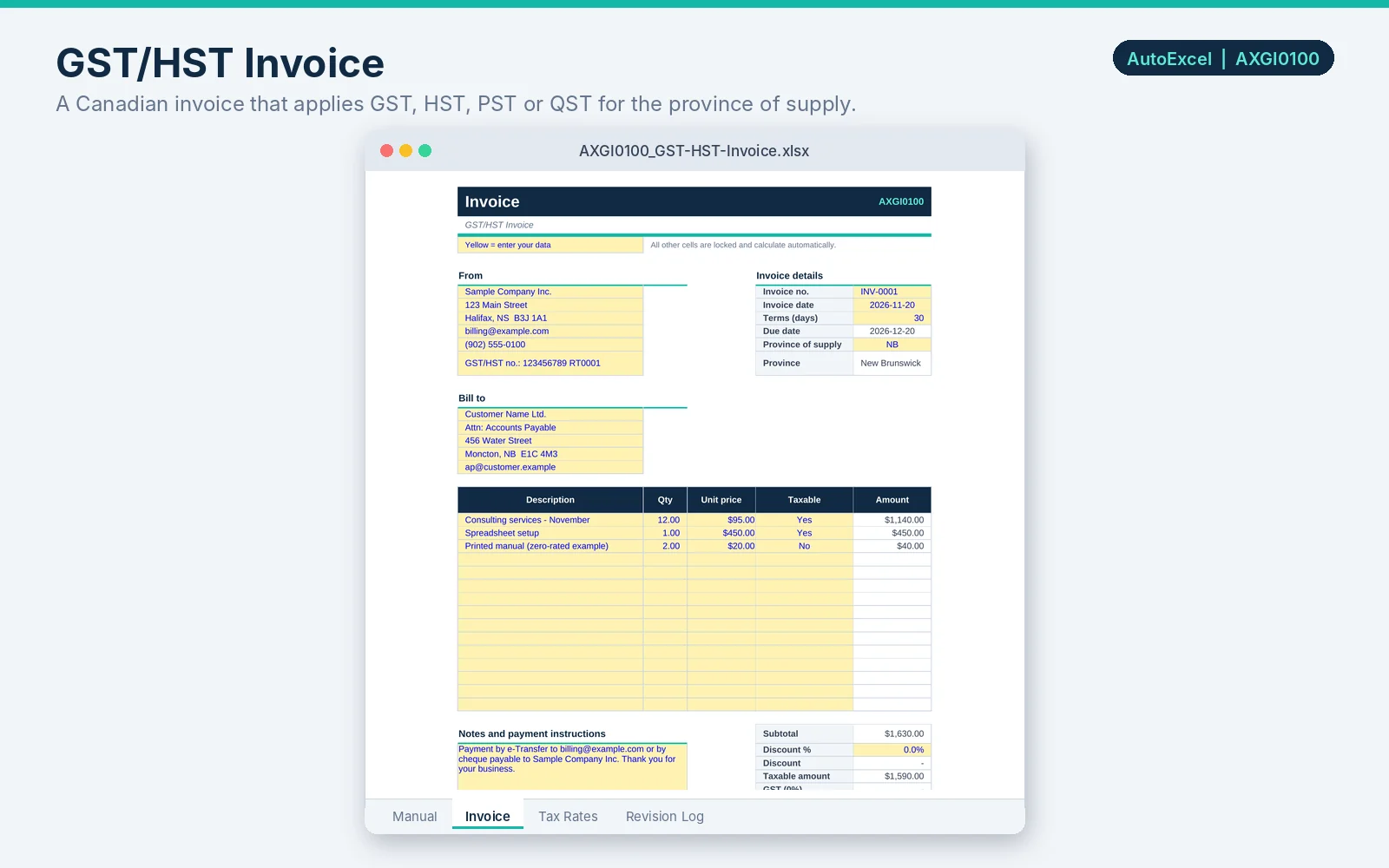
GST/HST Invoice Excel template: Invoice sheet with sample data

The workbook

Sample data — for demonstration only
Demonstration project

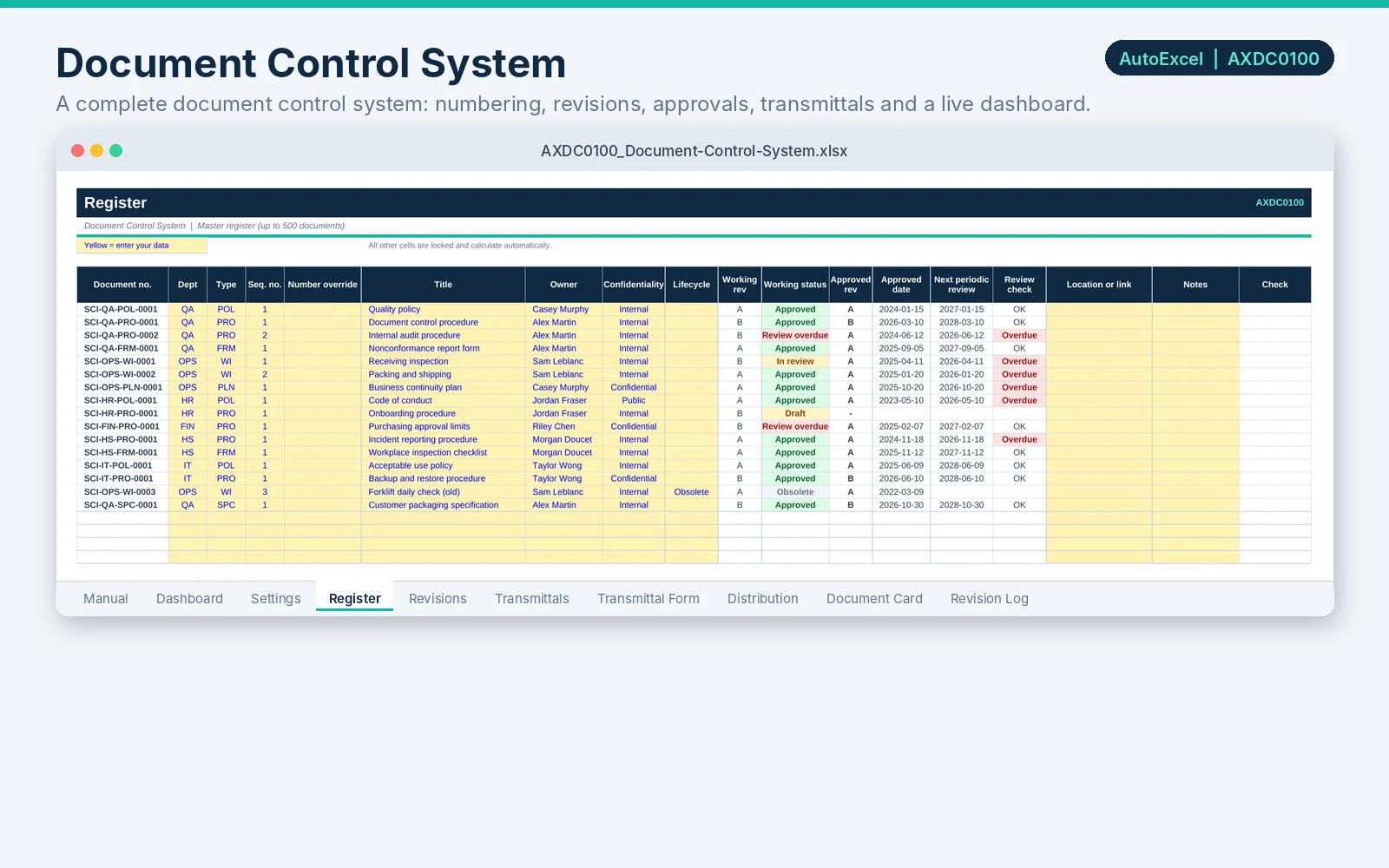
Document Control System

A structured system for tracking documents, revisions, approvals, and project records.

Problem

Documents live in shared folders and email threads, so nobody is sure which revision is current, reviews are missed and audits take days.

Solution

A document control workbook with automatic numbering, a revision history from draft to approval, overdue review alerts, transmittals and a live dashboard.

Features

  • Document registers
  • Revision tracking
  • Status monitoring
  • Automated summaries
  • Search and filtering

A ready-made version is available in the store: Document Control System.

Document Control System Excel template: Register sheet with sample data

The workbook

Sample data — for demonstration only
Demonstration project

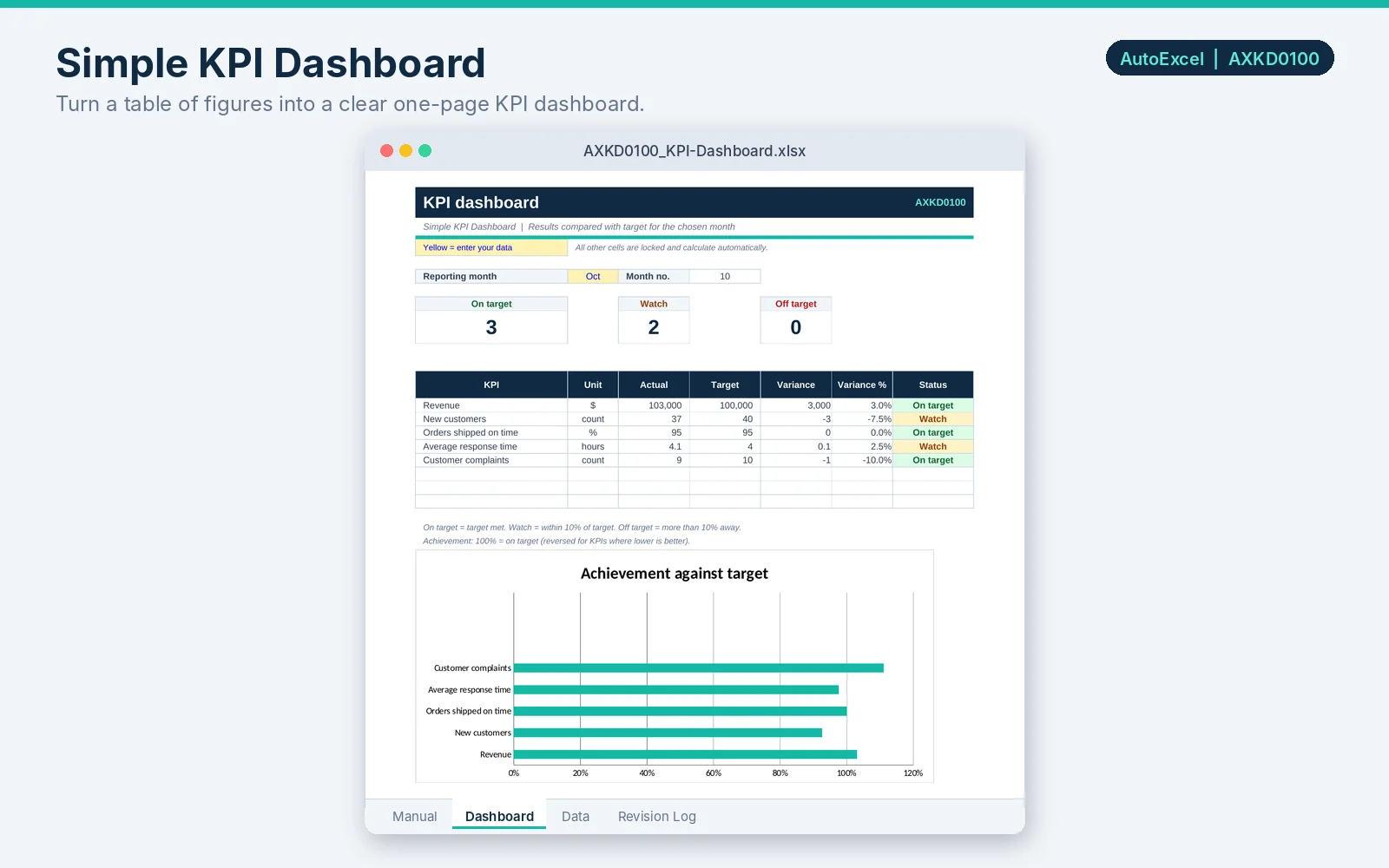
Business Reporting Dashboard

An automated reporting tool that consolidates data and presents key business indicators.

Problem

Monthly figures are copied into slides by hand, so reports are late and it is hard to see which measures are off target.

Solution

A one-page dashboard fed by a simple data table. Choose the month and the KPI tiles, status flags and chart update automatically.

Features

  • Automated data refresh
  • KPI tracking
  • Interactive charts
  • Summary reporting
  • Data validation

A ready-made version is available in the store: Simple KPI Dashboard.

Simple KPI Dashboard Excel template: Dashboard sheet with sample data

The workbook

Sample data — for demonstration only
Demonstration project

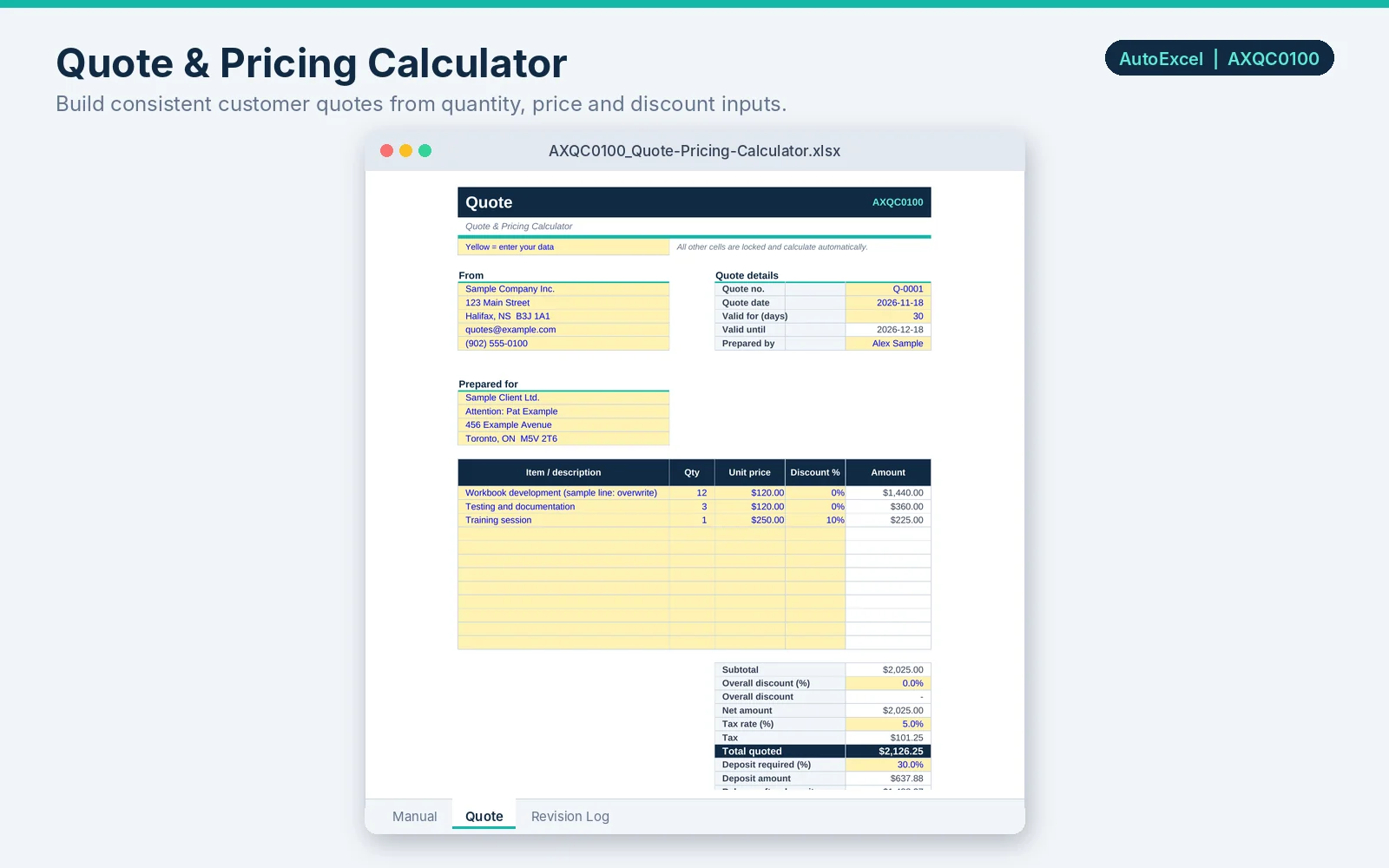
Custom Calculation Tool

A customized spreadsheet application for performing structured business calculations.

Problem

Quotes and calculations are worked out on calculators and old spreadsheets, so results vary from person to person and errors slip through.

Solution

A structured calculator with validated inputs, automatic line totals, discounts and tax, and a consistent printable output.

Features

  • Standardized inputs
  • Automated calculations
  • Input validation
  • Clear results
  • Professional reporting

A ready-made version is available in the store: Quote & Pricing Calculator.

Quote & Pricing Calculator Excel template: Quote sheet with sample data

The workbook

Sample data — for demonstration only

Have something like this in mind?

Tell us what you're trying to automate and we'll follow up to discuss your project.

Discuss Your Project